TextCrawl
Turn your words into a cinematic opening crawl.
Overview
TextCrawl is a COOKOO app for making cinematic text videos on Android. It brings writing, styling, playback and recording into one mobile experience. In 2026 we redesigned it end to end: a new visual language, a calmer home screen, an AI story writer, and a new Play Store listing.
Google Play downloads · checked September 2026
Available on Google Play
Writing, styling, playback and recording
The challenge
The app puts a whole creative workflow on a phone: write a story, pick its look and sound, preview the motion and save a video. The redesign had three goals: make that flow feel like going to the cinema, not like changing settings; make room for ads without placing them next to controls; and show free users what Pro adds at the moment it’s useful.
Design system
Matinée: a light, cinema-inspired system with three typefaces, a neutral palette and one accent reserved for Pro.
Colour
Paper
#F3EEE4
App background
Ticket
#FFFBF3
Cards and sheets
Rule
#EBE3D6
Dividers · #D8CDBB borders
Ink
#1B1512
Text and the primary button
Ink 2
#6B5F55
Labels and meta · #8A7D70 icons
Marquee
#B3261E
Pro and emphasis
Record
#D93A2B
The recording dot, only
Screen + Crawl gold
#03040A · #FFD24A
Inside the video only
Type
Instrument Serif · Voice
Display 34 italic
Title 28
Value 21: Main Theme
CTA 24 italic: Play crawl
Instrument Sans · Interface
Heading 17 / 600
Button 15 / 600
Body 15 / 1.5. Used for descriptions and helper text that people actually read.
Small 13, for meta and fine print
DM Mono · Labels
Eyebrow 11 · +2 tracking
Chip 12 · Go Pro · 5 free
Caption 10 · to gallery
Inside the app
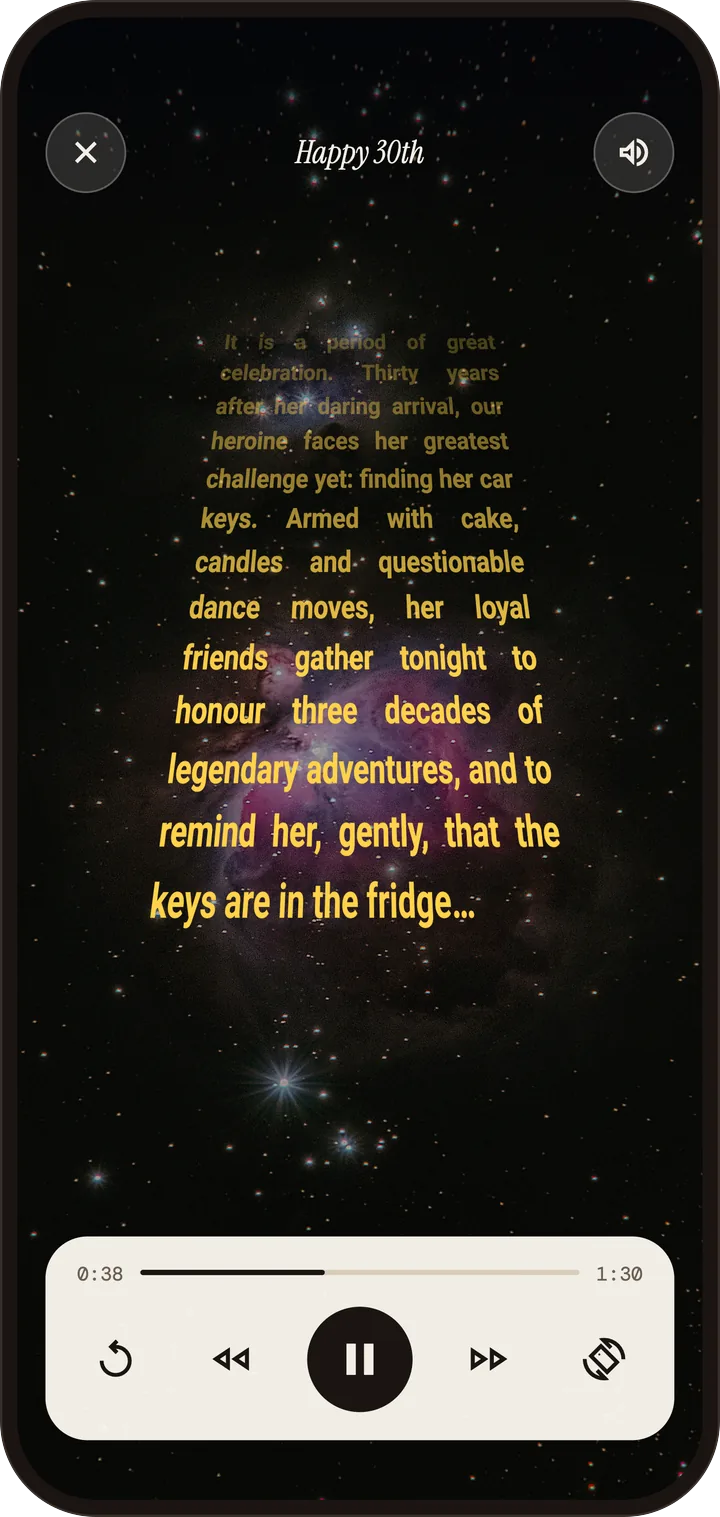
A few screens from TextCrawl. Tap any of them to take a closer look.
How we approached it
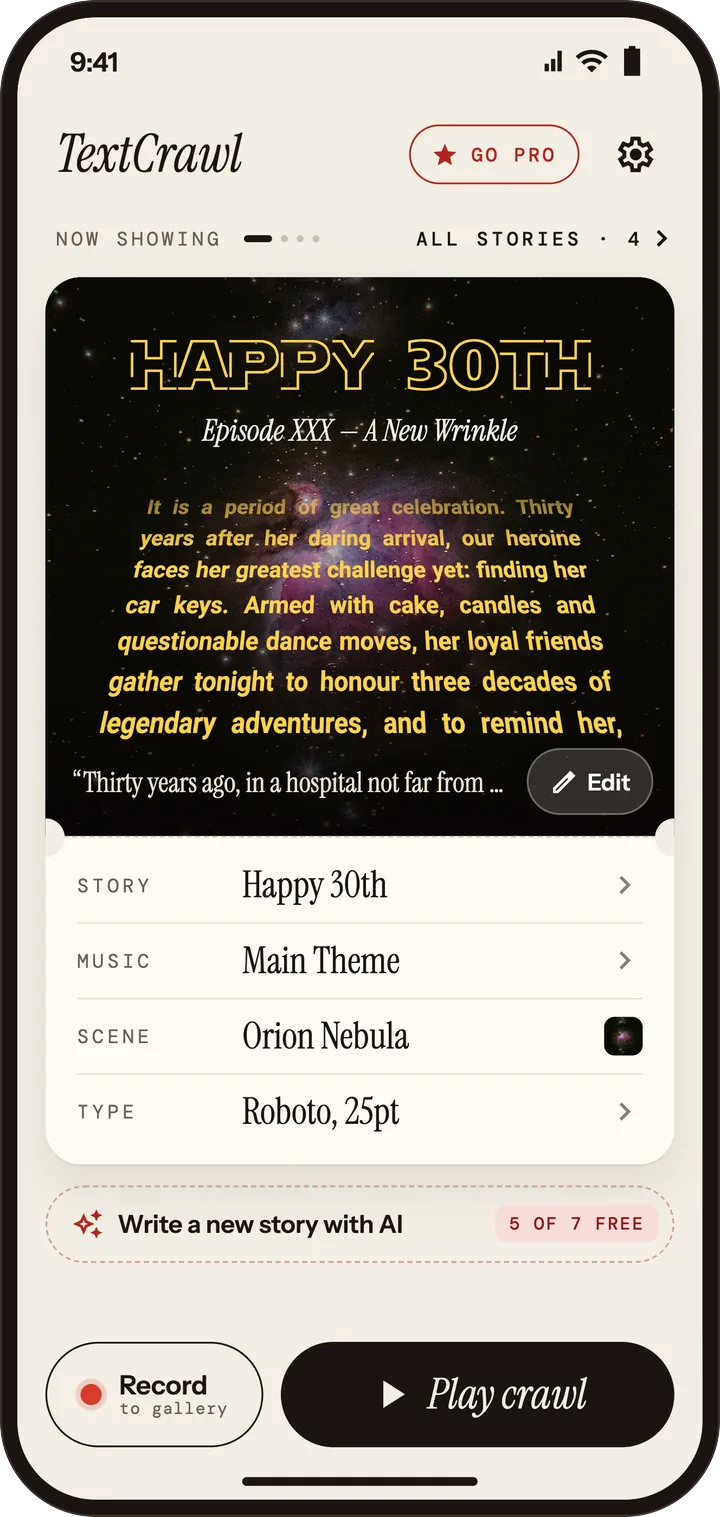
The interface centres on the current story and its preview. We built the redesign on a small design language we call Matinée: paper-and-ink neutrals, one red used only for Pro, and the crawl’s gold kept inside the video itself. Titles are set in Instrument Serif, labels in DM Mono and UI text in Instrument Sans.
Home as a ticket. A live preview sits on top, with the story’s “credits” (story, music, scene, type) underneath. Play and Record are always within reach.
Ads by rule. Full-screen ads appear only after a video is saved. Native “Intermission” ads appear only in the story library, background and style screens. They’re always labelled and never placed next to a control.
Pro where it helps. The AI writer and line rewrites appear right where you write, with a clear free allowance (“5 of 7 free”) instead of a paywall wall.
Built-in growth. Free videos end with a 3-second “Made with TextCrawl” card that tells viewers what to search for on Google Play. Pro removes it.
What we built
Story library
Save, switch and start from ready-made stories.
AI story writer
Type one line and get a whole crawl, for any occasion and tone.
Scene & sound
Eight skies or your own photo, plus built-in or personal music.
Style & motion
Speed, tilt, font and size, in portrait or landscape.
Record to gallery
Save the crawl as a 1080×1920 MP4.
Share-ready end card
Every free video points viewers back to the app.
Play Store listing
We redesigned the store listing too. The first three screenshots answer three questions: what it makes, how easy it is, and what you get.
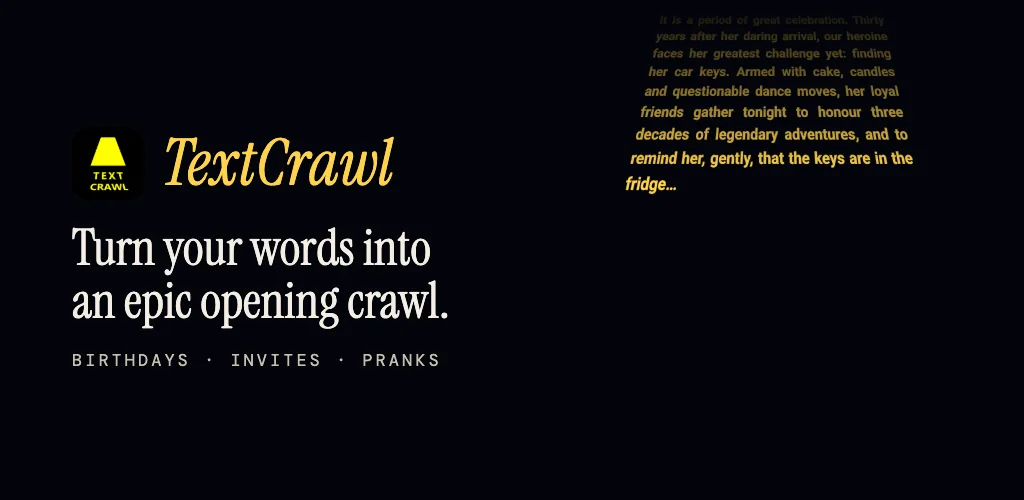
Your words, as an epic opening crawl.
Type your story. Press play.
A real video, ready to post.
One line in. A whole crawl out.
Birthdays, invites, work, anything.
Tune the speed, tilt and type.
Pick the sky. Set the soundtrack.
Got something like this in mind?
We take products from a first sketch to the app store. Tell us what you're building and we'll tell you honestly how we'd approach it.